Blackview Oscal Pad 18 Firmware Flash File
Here you can download the Blackview Oscal Pad 18 Stock ROM / Firmware Flash File for repairing software-related problems and restoring the original system.
📱 Device: Blackview Oscal Pad 18
📦 Firmware: Stock ROM / Flash File
🔧 Platform: Unisoc / SPD
📁 Format: PAC File
Firmware Details
Firmware Version: DK_T616_T30_13_PAD18_EEA_ID5256_20240122_V1.0
This firmware can be useful for fixing issues such as boot loops, stuck on logo, system errors, software crashes and other firmware-related problems.
What You Need
- Blackview Oscal Pad 18 Stock Firmware
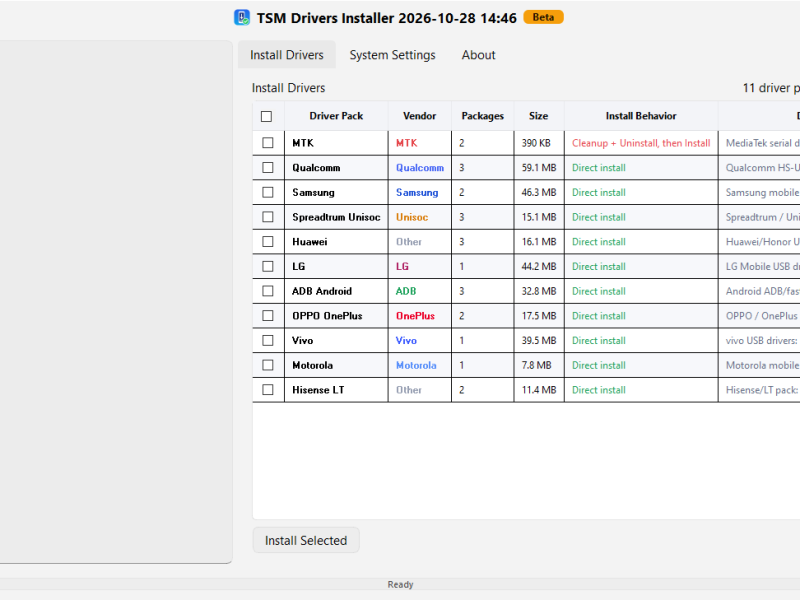
- SPD / Unisoc USB Drivers
- SPD UpgradeDownload or compatible flashing tool
- A Windows PC and working USB cable
How to Flash
- Install the required SPD/Unisoc USB drivers on your computer.
- Download and extract the Oscal Pad 18 firmware package.
- Open the SPD flashing tool and load the .PAC firmware file.
- Power off the tablet completely.
- Connect the tablet to the PC using the required volume-key combination.
- Start the flashing process and wait until it finishes.
- After flashing is completed, disconnect the device and power it on.
⚠️ Important: Make sure the firmware matches your exact Device Blackview Oscal Pad 18