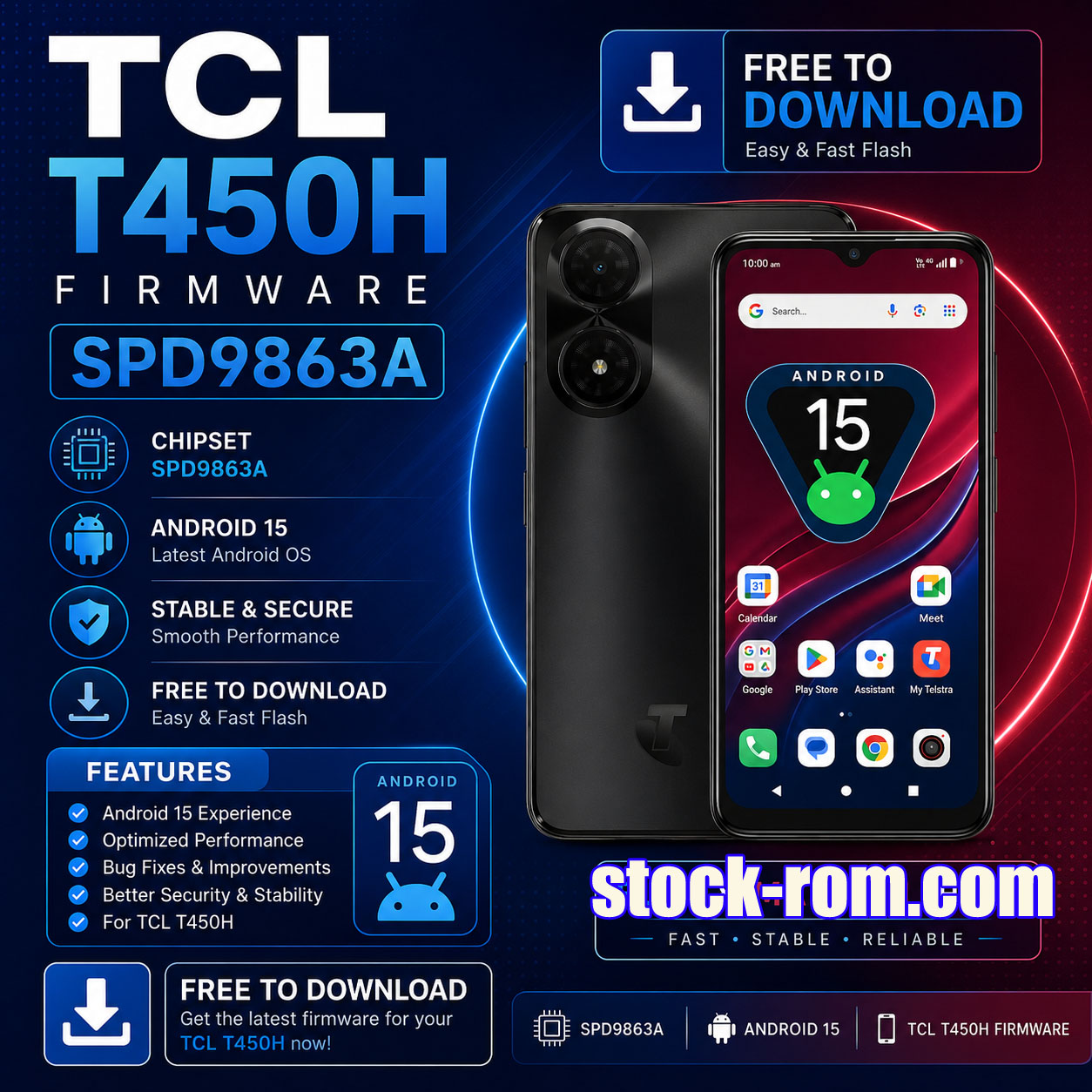
Download the latest TCL T450H Firmware Flash File for the Spreadtrum/Unisoc SPD9863A chipset. This stock ROM can be used to restore your device to factory condition, fix boot loops, remove software issues, unbrick the phone, and upgrade or reinstall the operating system.
Firmware Highlights
- Official TCL Stock Firmware
- Android 15
- SPD9863A / Unisoc Platform
- Boot Repair & Unbrick Support
- Factory Reset & Software Restore
- Free Download
Firmware Information
Firmware Information
Firmware ID: SP9863A_TCL_T450H_OSv15_AP3A.240905.015.A2_ussi_arm
Android Version: Android 15
Build Number: AP3A.240905.015.A2
Software Version: DS1S
Version Codename: REL
Security Patch: 2025-05-05
Build Date: 25 June 2025
Product Info: ussi_arm
Device ID: tcl-tcl-t450h-dahlias-s9863a1h10-go-32b
Why Flash TCL T450H Firmware?
- Fix bootloop issues
- Remove FRP-related software problems
- Repair stuck-on-logo devices
- Unbrick dead or soft-bricked phones
- Restore factory software
- Fix app crashes and system instability
- Remove malware or unwanted modifications
- Upgrade to a clean Android 15 installation
How to Flash TCL T450H Firmware
- Download the firmware package.
- Install Spreadtrum/Unisoc USB Drivers.
- Open Unlocktool
- Load the Dump Files .
- Power off the phone completely.
- Connect the device while holding the Volume Down key.
- Wait until flashing is completed successfully.
- Disconnect and reboot the device.
Download Firmware
📥 UnlockTool_Read_File.part1.rar – Click Here
📥 UnlockTool_Read_File.part2.rar – Click Here
📥 UnlockTool_Read_File.part3.rar – Click Here
🔧 SPD USB Driver – Click Here