📦 WHAT YOU NEED
- Newflasher — Sony firmware flashing utility
- XperiFirm — Firmware downloader
- Sony Flashmode Drivers
- Japan KDDI JP firmware 64.2.D.2.261
- Customized CN firmware 64.2.F.2.241
- USB cable
- Windows PC
📁 STEP 1 — PREPARATION
- Download both firmware packages using XperiFirm.
- Extract the Japan KDDI JP and Customized CN firmware into separate folders.
- Place
newflasher.exeinside the firmware folder you are going to flash. - Verify that the firmware corresponds to the SOG09 model.
⚠️ Important: Firmware flashing is risky. I do not take responsibility for any.
🇯🇵 STEP 2 — FLASH JAPAN KDDI JP
- Power off the Xperia SOG09 completely.
- Press and hold Volume Down (-).
- Connect the USB cable to the PC while holding the button.
- A green LED indicates Flashmode.
- Open the Japan KDDI JP firmware folder.
- Run
newflasher.exe. - Follow the Newflasher prompts.
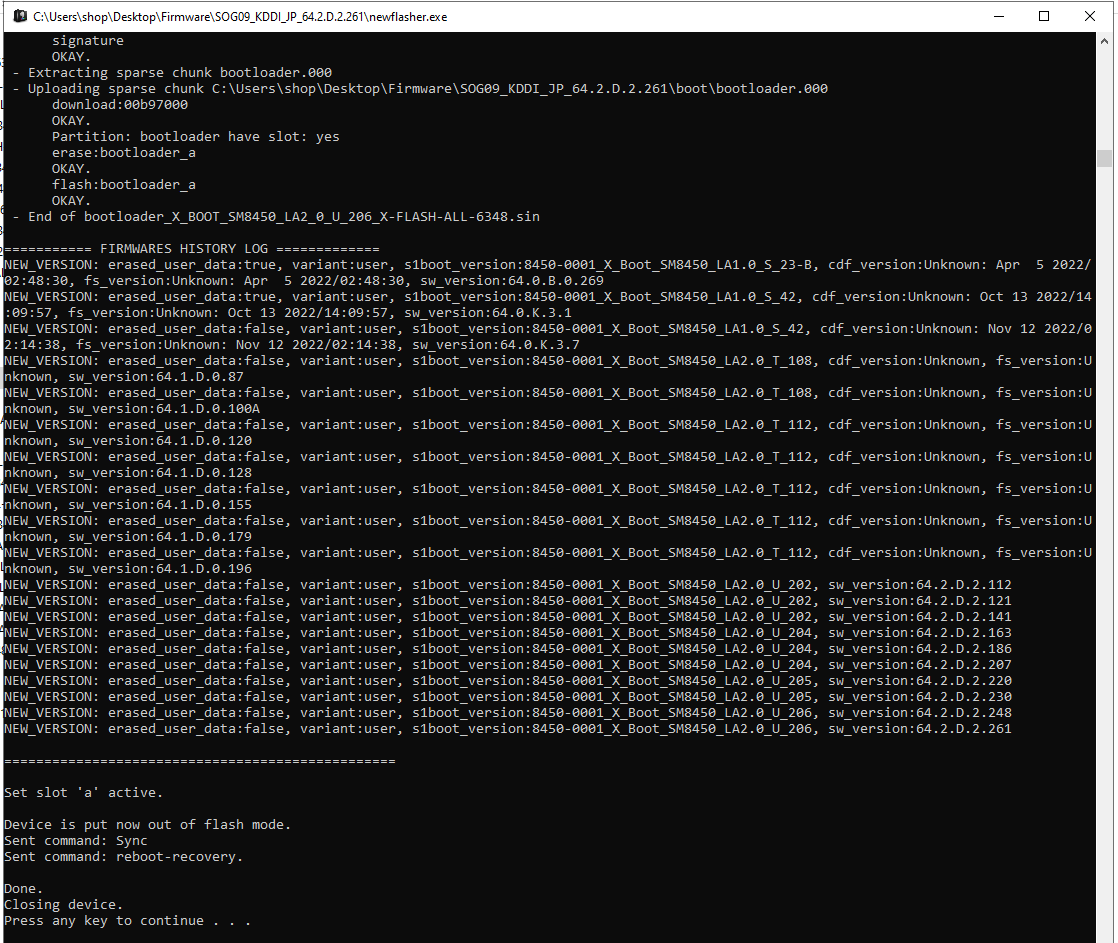
- Allow the complete flashing process to finish.
🟢 Flashmode: Green LED indicates that the phone has entered Sony Flashmode.
🇨🇳 STEP 3 — FLASH CUSTOMIZED CN REGION
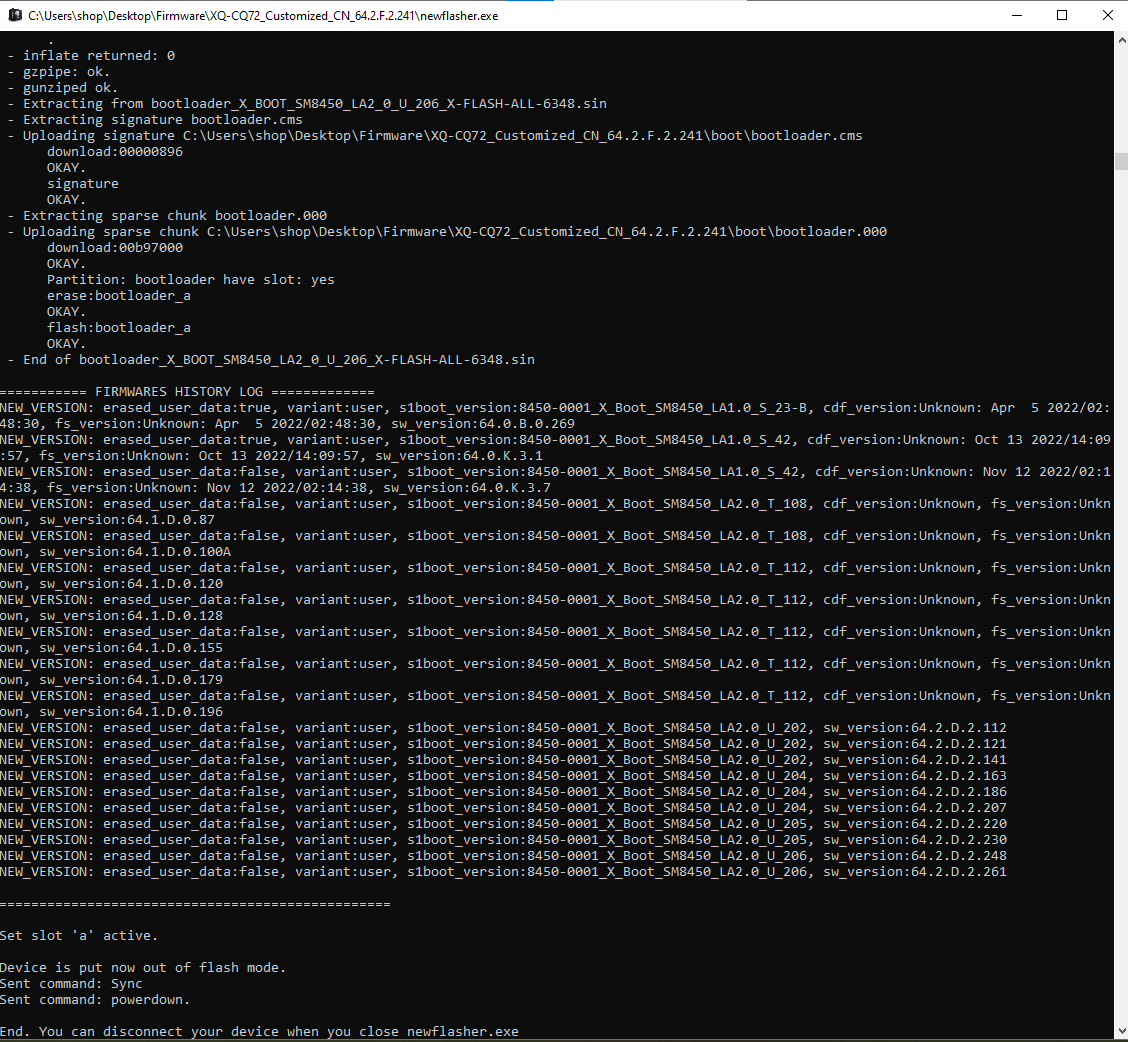
The Customized CN 64.2.F.2.241 package can be used as the intermediate firmware in the region-change procedure.
- Move
newflasher.exeinto the Customized CN firmware folder. - Power off the phone.
- Enter Flashmode using Volume Down (-).
- Connect the phone to the PC.
- Run
newflasher.exe. - Follow the prompts and allow the firmware operation to finish.
- Do not disconnect the device while files are being written.
🔄 STEP 4 — FRP UNLOCK PROCESS
- Turn on the phone.
- Open Select Language.
- Tap Next.
- Tap Skip.
- Choose Setup Offline . Complete Setup .
- Enable Developer Options.
- FRP is now removed.
🇯🇵 STEP 5 — RESTORE JAPAN KDDI JP
After completing the FRP UNLOCK PROCESS, restore the original Japan KDDI JP 64.2.D.2.261 firmware.
- Enter Flashmode again — the green LED should appear.
- Open the Japan KDDI JP firmware folder.
- Run
newflasher.exe. - Flash the complete firmware package.
- Wait until Newflasher reports that flashing is complete.
- Disconnect the USB cable only after the operation is complete.
- Power on the device and allow Android to boot.
| Item | Details |
|---|---|
| Device | Sony Xperia 5 IV SOG09 |
| Carrier | KDDI Japan |
| Original Region | Japan KDDI |
| Intermediate Region | Customized CN |
| Intermediate Build | 64.2.F.2.241 |
| Final Region | Japan KDDI |
| Final Build | 64.2.D.2.261 |
| Flashing Tool | Newflasher |
| Firmware Tool | XperiFirm |
💡 Pro Tip: Join Group For Help And Files stock-rom.com/telegram/.