UMTv2 / UMT Pro MTK2 v3.8
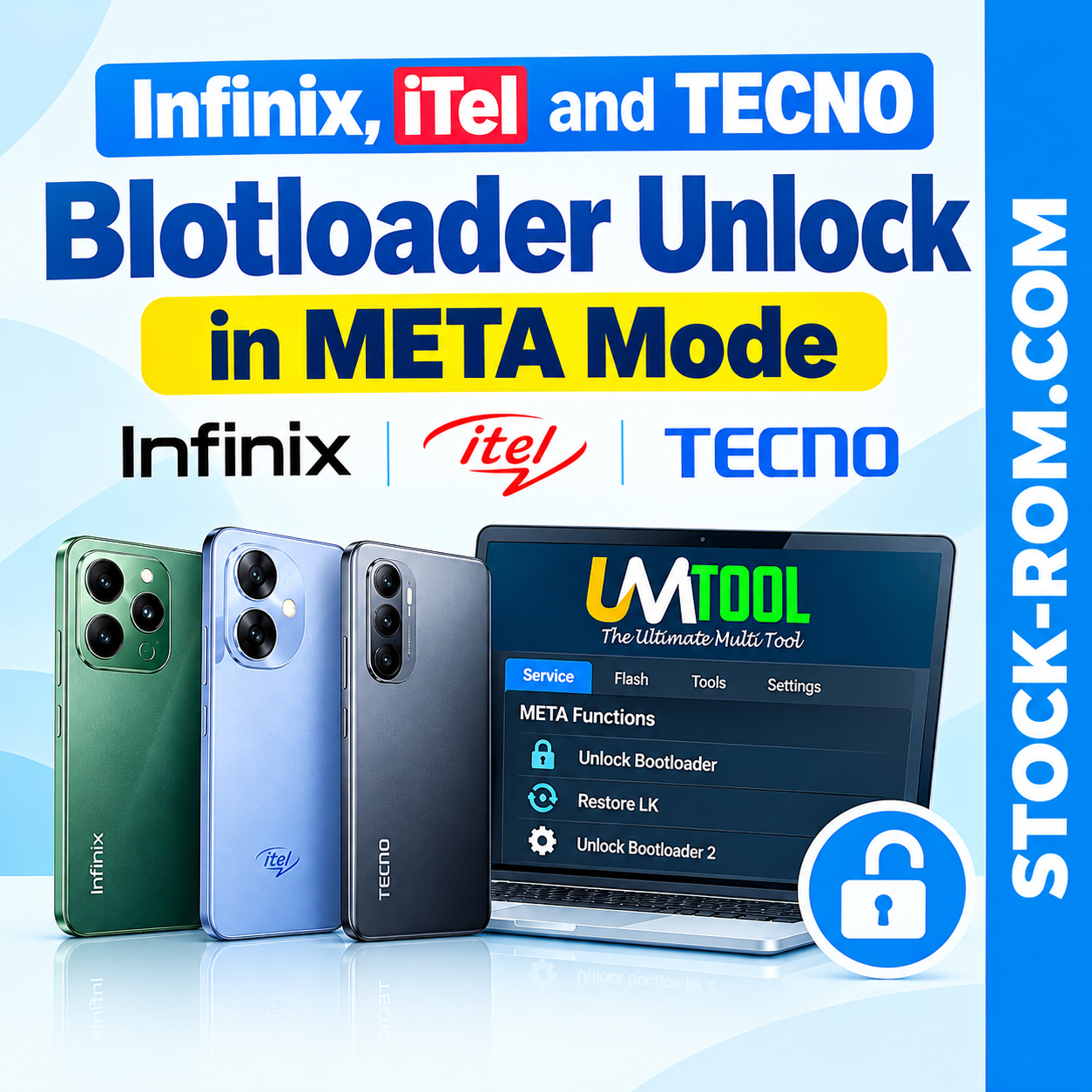
UMTv2 / UMT Pro MTK2 v3.8 introduces Direct Bootloader Unlock for supported Infinix, iTel and TECNO devices through META Mode.
Direct Bootloader Unlock in META Mode
- Unlock supported devices directly from META Mode.
- No need to run the flashing unlock command in Fastboot.
- Automatic compatibility check to help prevent bricked devices.
- Automatic backup of LK in case restoration is required.
- If the firmware supports partition table read, it should be supported.
- Restoring LK or flashing stock LK in Fastboot will relock the bootloader.
- Do not relock the bootloader if anything has been modified in the firmware.
Compatibility Check
- The compatibility check is designed as a security measure to help determine whether the device is suitable for this method.
- If the compatibility check fails, you may still have the option to proceed with the unlock.
- A failed compatibility check does not necessarily mean the method will not work.
- The check does not guarantee that the device will not be bricked.
- This method carries no warranty.
- Use this function at your own risk.
Restore LK
You can use Restore LK to restore the previously created LK backup and return the device to its original state.
Important: Restore LK will relock the bootloader. Never attempt to restore LK if the device firmware has been modified.
Unlock Bootloader 2
- Use this method if the first bootloader unlock method fails.
- You can also use this option when Slot B is active.
- Check the active slot with
fastboot getvar current-slot.
Function Location
All these functions are available under:
Service > META Functions
Tested Devices
- Infinix X6531 — 2026-03-05
- Infinix X6532 — 2026-01-01
- Infinix X6532C — 2025-07-05
- TECNO BG7 — 2025-03-05
- TECNO KJ5 — 2025-10-01
- TECNO KJ8 — 2026-05-01
- TECNO KL4h — 2025-08-05
Important Warning
Before using this function, make sure you have the correct firmware and understand the LK backup and restore process. Do not restore or flash stock LK on modified firmware, as this will relock the bootloader and may cause problems.
Video Tutorial
VIDEO TUTORIAL HERE:
⬇️ Download UMT TOOL