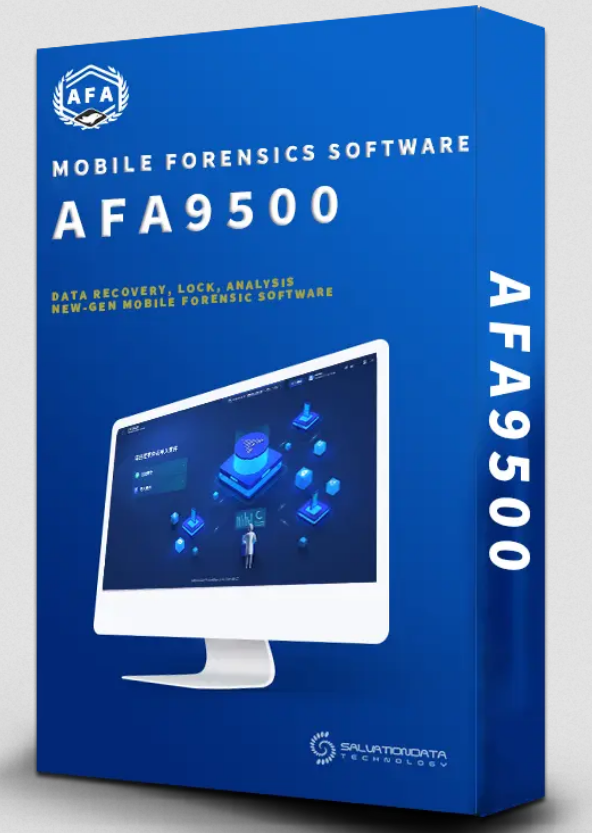
The SalvationData Aurora Mobile Phone Forensic Analysis System AFA9500 is an advanced digital forensics platform designed for extracting, analyzing, and reporting data from modern mobile devices. It is widely used in law enforcement, cybersecurity investigations, and digital evidence handling where accuracy, speed, and data integrity are critical.
Developed by SalvationData, the AFA9500 is part of the Aurora forensic ecosystem, focusing specifically on mobile device investigations and multi-source data acquisition.
System Overview
The AFA9500 is designed to handle the increasing complexity of smartphone data environments. With encrypted apps, cloud synchronization, and constantly evolving operating systems, investigators need a tool that can adapt quickly.
This system provides a unified platform for:
Mobile device data extraction
Evidence decoding and structuring
Multi-format analysis
Case management and reporting
It is optimized for both field investigators and lab-based forensic analysts.
Key Capabilities
1. Advanced Data Extraction
The system supports multiple extraction modes:
Logical extraction (standard data access)
File system extraction (deep-level data access)
Physical extraction (bit-level imaging where supported)
2. Wide Device Compatibility
Android smartphones and tablets
iOS devices (iPhone and iPad)
Support for multiple chipsets and firmware versions
3. Deleted Data Recovery
The system can recover:
Deleted SMS and call logs
Removed media files
Residual app data fragments
Database-level deleted entries (where possible)
4. Application Data Analysis
Supports extraction and parsing of popular apps:
Messaging applications
Social media platforms
Browser history and cache
Location-based services data
5. Cloud and Backup Analysis
Depending on permissions and access:
Cloud backup parsing
Account-linked data extraction
Device backup restoration analysis
Investigation Workflow
The AFA9500 is designed with a structured forensic workflow:
Device Connection
Connect target device via supported interfaces
Detect device profile automatically
Acquisition Phase
Select extraction method
Begin secure data imaging
Processing & Decoding
Raw data is decoded into readable format
System reconstructs deleted or fragmented records
Analysis
Timeline view of user activity
Communication mapping
File and media inspection
Reporting
Generate structured forensic reports
Export in court-admissible formats (PDF, HTML, etc.)
Built-in Forensic Modules
The system integrates multiple modules for deeper investigation:
Communication analysis module (calls, SMS, chats)
Multimedia extraction module
Location and GPS tracking module
Application behavior analysis
Evidence correlation engine
These modules help investigators connect fragmented digital evidence into a complete timeline.
Advantages of AFA9500
High-speed forensic processing engine
Supports modern encrypted environments (limited by device security level)
User-friendly forensic interface
Automated evidence structuring
Strong reporting and documentation system
Designed for legal admissibility and chain-of-custody tracking
Legal and Evidence Handling
One of the key strengths of the AFA9500 system is its focus on digital evidence integrity. It ensures:
Chain of custody tracking
Read-only data handling during acquisition
Audit logs for all forensic actions
Structured reporting for court submission
This makes it suitable for formal investigations where evidence must remain verifiable and untampered.
Download :-
Please wait:
30
AFA9500.Setup.part1.rar
AFA9500.Setup.part2.rar
AFA9500.Setup.part3.rar
AFA9500.Setup.part4.rar
AFA9500.Setup.part5.rar
Ↄᴙ𝚊ↄꓘ
How to install ?
– Unpack and install software.
– Copy and replace “XLY.Frameworks.Secret.dl”l from Crack folder to:
C:Program FilesAFA9500
– Copy and replace “solution” and “XlyToolkits” folders from Crack folder to:
C:Program FilesAFA9500
# Replace all folders!
# Use a firewall or go offline, run software.
# When asked for password, insert : stock-rom.com
stock-rom.com