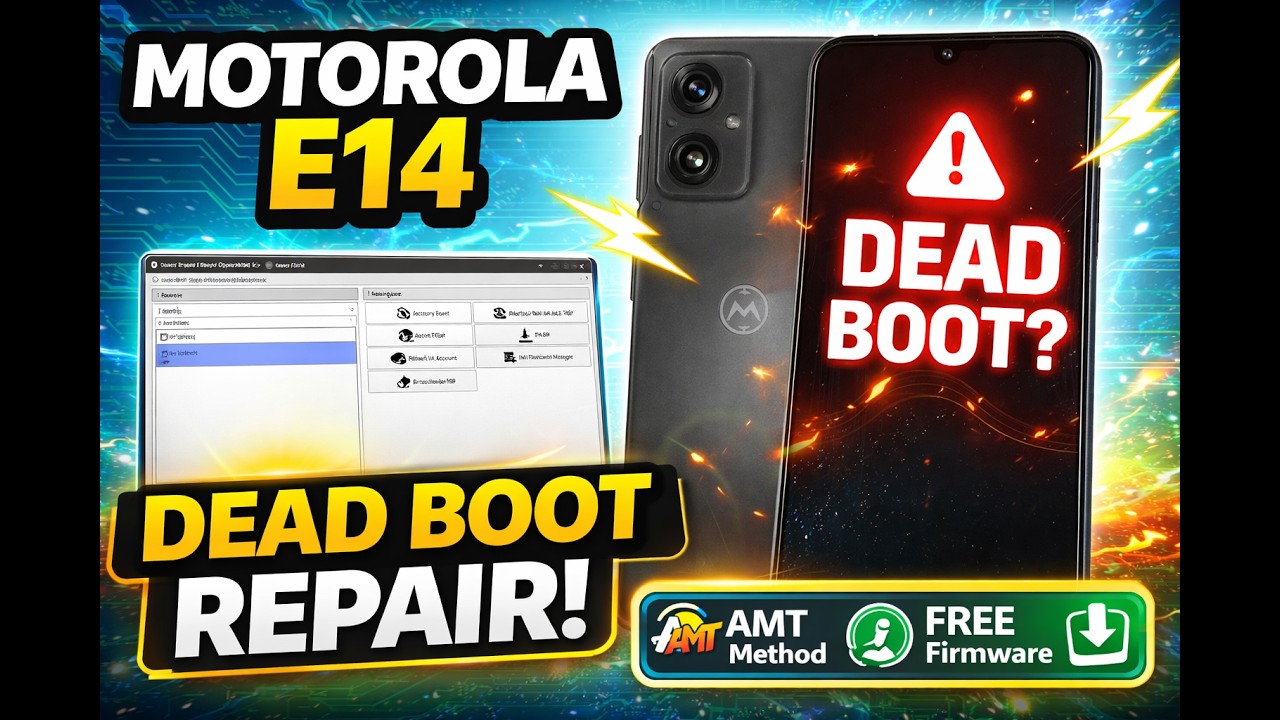
Here we learn to recover dead boot or motorola that is dead by unlocktool /umt or chimera tool
Follow each step carefully to avoid errors.
Step 1 — Flash the PAC File
Use one of the supported flashing tools below to flash the PAC file onto the device:
- AMT
- Pandora
- CM2SP3 (latest version)
- Any other compatible flashing tool
Open your chosen tool, load the PAC file, and start the flash. Once the process start wait for to flash complete ,
after flash the phone will boot and hang on logo or off .. do not panic …
Step 2 — Device Stuck on Logo or Enter Fastboot Mode?
After flashing completes, the phone will reboot and get stuck on the logo screen. This is completely normal.
if not show anything disconnect usb cable reconnect battery and try to boot in fastboot mode [volume minus + Power]
Your PC should recognise the device in Fastboot.
Step 3 — Flash the XML Firmware via Fastboot
Extract the XML firmware ZIP to a folder on your PC. While the device is connected in Fastboot mode, run the batch script inside the extracted folder:
flash_all.bat
The script will automatically flash all required partitions. Wait for it to complete successfully before disconnecting the device.
Step 4 — Wait . Done
Once flashing is done, the device will reboot on its own. The first boot may take a few minutes — this is normal. Do not cut power during this stage.
Required Firmware Files — Downloads
| File | Used In | Download |
|---|---|---|
| PAC File SHIPPING_LLD35185_ULBS34.66-110-1_0228_SIGNED.zip |
Step 1-2 | Download |
| XML / Fastboot File XT2421-12_LIONL_OPENLA_14_ULBS34.66-116-1_…_global_CFC.zip |
Step 3 | Download |
Video Walkthrough
Watch the full step-by-step video guide below:
If this guide helped you, consider subscribing to the channel and leaving a comment — it helps keep guides like this coming. Feel free to drop any questions below!
Need Help : Click Here https://stock-rom.com/telegram