Looking for MODIO M129 Tablet repair, unbrick, or restore the official factory software on your MODIO M129 Tablet?
Below you will find the verified stock firmware package, complete specifications for compatibility checking, and step-by-step flashing instructions using SP Flash Tool.
MODIO M129 Firmware Specifications
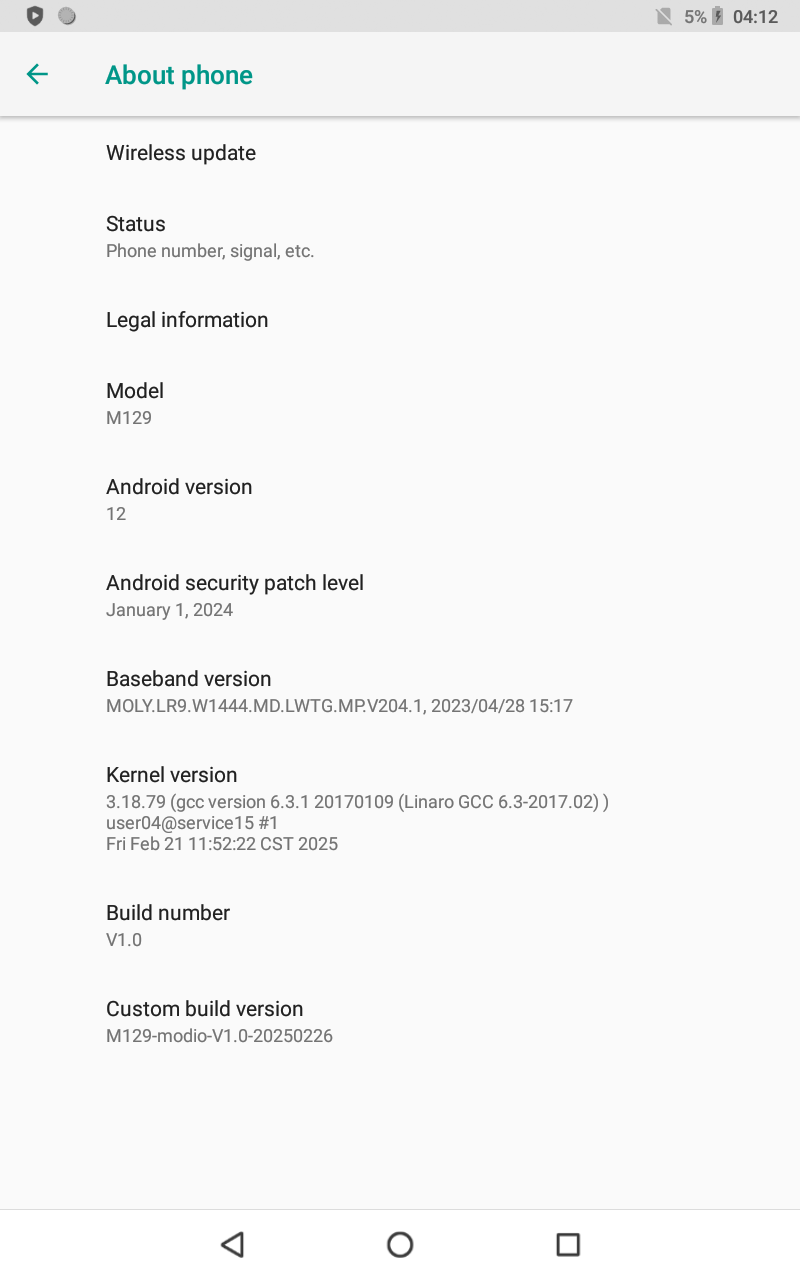
Device Model: MODIO M129 Tab
Manufacturer: MODIO
Chipset / Platform: MediaTek MT6737M (
k37mv1_64_bsp)Android Version: 8.1.0 (Oreo)
Display ID: V1.0
Security Patch: 2020-11-05
Build Date: February 26, 2025
Architecture:
arm64-v8a, armeabi-v7aSoftware Version: 1740549282
Firmware ID:
MT6737M_MODIO_M129_OSv8.1.0_V1.0_O11019_M129Prerequisites Before Flashing
- Backup: Backup all important data. Flashing stock firmware will wipe your personal files.
- Battery Level: Charge your device to at least 50% to prevent shutdown during the flashing process.
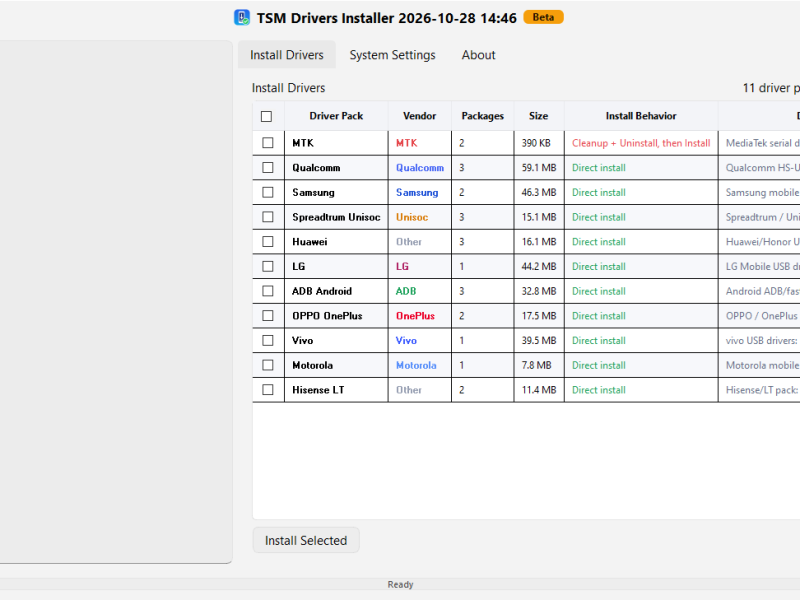
- USB Drivers: Ensure MediaTek VCOM USB Drivers are installed on your Windows PC.
How to Flash MODIO M129 via SP Flash Tool
- Extract Firmware: Download and extract the MODIO M129 firmware and SP Flash Tool onto your PC.
- Open SP Flash Tool: Launch
flash_tool.exeas an Administrator. - Load Scatter File: Click Scatter-loading and select the scatter file (
.txt) from the extracted firmware folder. - Verify Partitions: Make sure all firmware partitions load properly into the tool.
- Select Download Mode: Choose Download Only from the dropdown menu options.
- Initiate Flashing: Click the green Download button.
- Connect Device: Turn off your MODIO M129 Tab completely, then connect it to your PC using a USB cable.
- Flash Process: SP Flash Tool will detect the tablet automatically and start flashing the firmware.
- Finish: Wait for the green checkmark with the Download OK message to appear.
- Reboot: Disconnect your tablet and turn it on. The initial boot may take a few minutes.