Modio M36 Flash File Firmware Download For Free
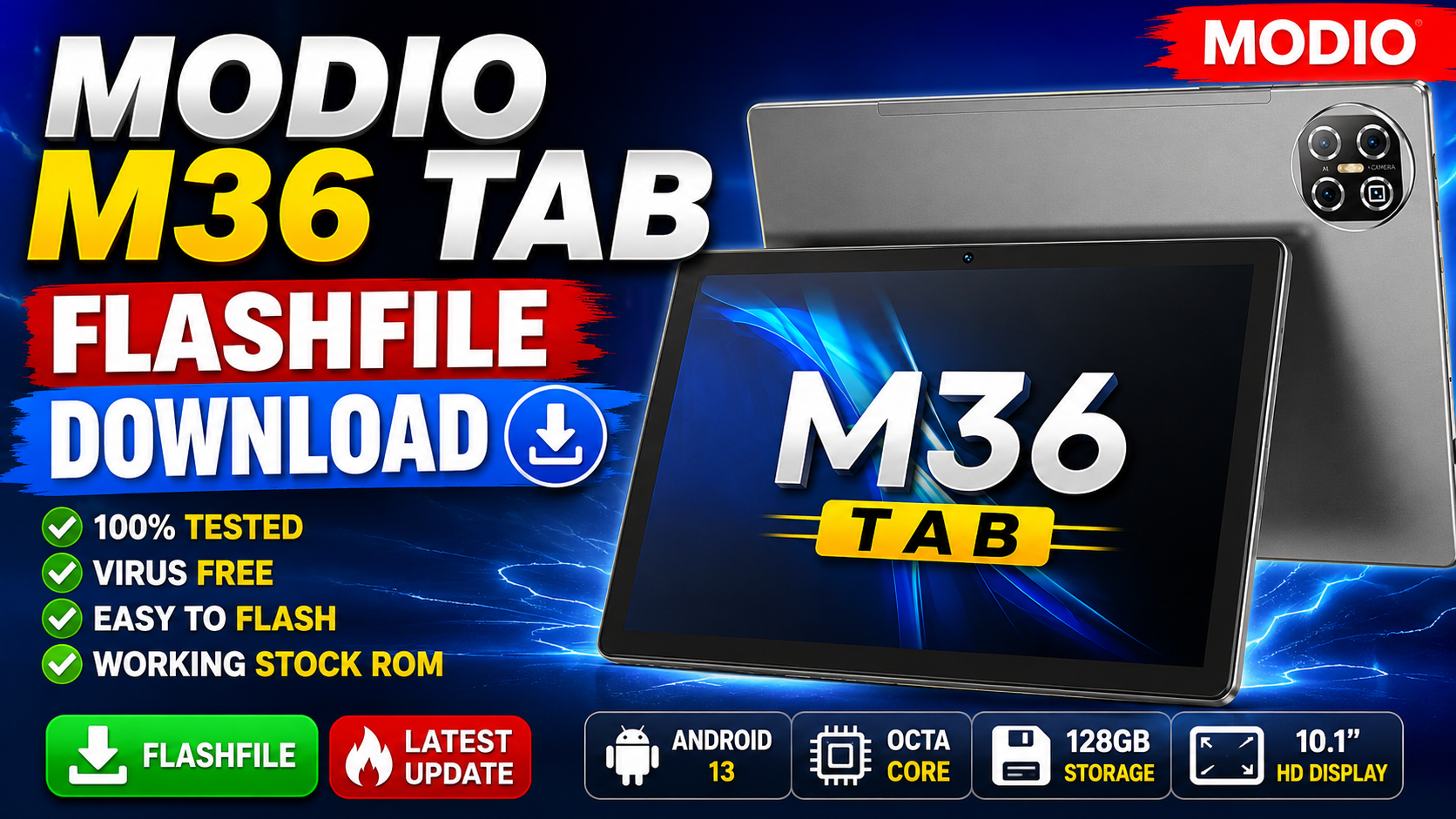
Modio M36 Flash File Firmware Download
If you are looking for the official firmware (flash file) for the Modio M36 Tablet, then you are in the right place. On this page, you can download the latest stock ROM firmware for the Modio M36 and use it to repair software-related issues such as boot loop, hang on logo, dead boot, virus infection, pattern lock, FRP lock, and system crashes.
Flashing the stock firmware will restore your device to factory condition and help resolve many software problems.
Device Information
| Specification | Details |
|---|---|
| Product Name | M36 |
| Brand | MODIO |
| Device | M36 |
| Manufacturer | MODIO |
| Model | MODIO M36 |
| CPU Architecture | arm64-v8a, armeabi-v7a, armeabi |
| Hardware Platform | MediaTek MT6750 |
| Board Platform | mt6750 |
| Product Info | k50v1_64_bsp |
| Android Version | Android 10 |
| Build Number | full_k50v1_64-user 10 QP1A.190711.020 mp1V923 release-keys |
Firmware Details
- Device: Modio M36
- Chipset: MediaTek MT6750
- Android Version: 10
- Firmware Type: Stock ROM
- File Type: Scatter Firmware
- Flash Tool: SP Flash Tool
- Status: Tested Firmware
Why Flash This Firmware?
You can use this firmware to fix:
✅ Stuck on Logo (Bootloop)
✅ Dead Boot Repair
✅ Software Crash
✅ Virus or Malware Removal
✅ Auto Restart Issue
✅ Hang Problem
✅ FRP Lock Removal (Supported Methods)
✅ Pattern/Password Lock Removal
✅ System Performance Issues
How to Flash Modio M36 Firmware
Requirements
- Windows PC or Laptop
- USB Data Cable
- MediaTek USB Drivers
- SP Flash Tool
- Modio M36 Firmware
Flashing Steps
- Download and extract the firmware package.
- Install MediaTek USB Drivers on your computer.
- Extract and launch SP Flash Tool.
- Click on “Scatter-loading” and select the MT6750 scatter file from the firmware folder.
- Choose the required flashing option.
- Click the Download button.
- Power off the tablet.
- Connect the device to the PC using a USB cable while powered off.
- Wait until the flashing process completes.
- A green success message will appear.
- Disconnect the device and power it on.
First boot may take several minutes.
Download Modio M36 Flash File
MT6750_MODIO_M36_OSv10_V1.2_QP1A.190711.020_k50v1_64_bsp_alps.part2.rar
Download
Important Notice
- Always create a backup before flashing.
- Use the correct firmware for your device model.
- Ensure the battery is charged above 50%.
- We are not responsible for any damage caused by improper flashing.