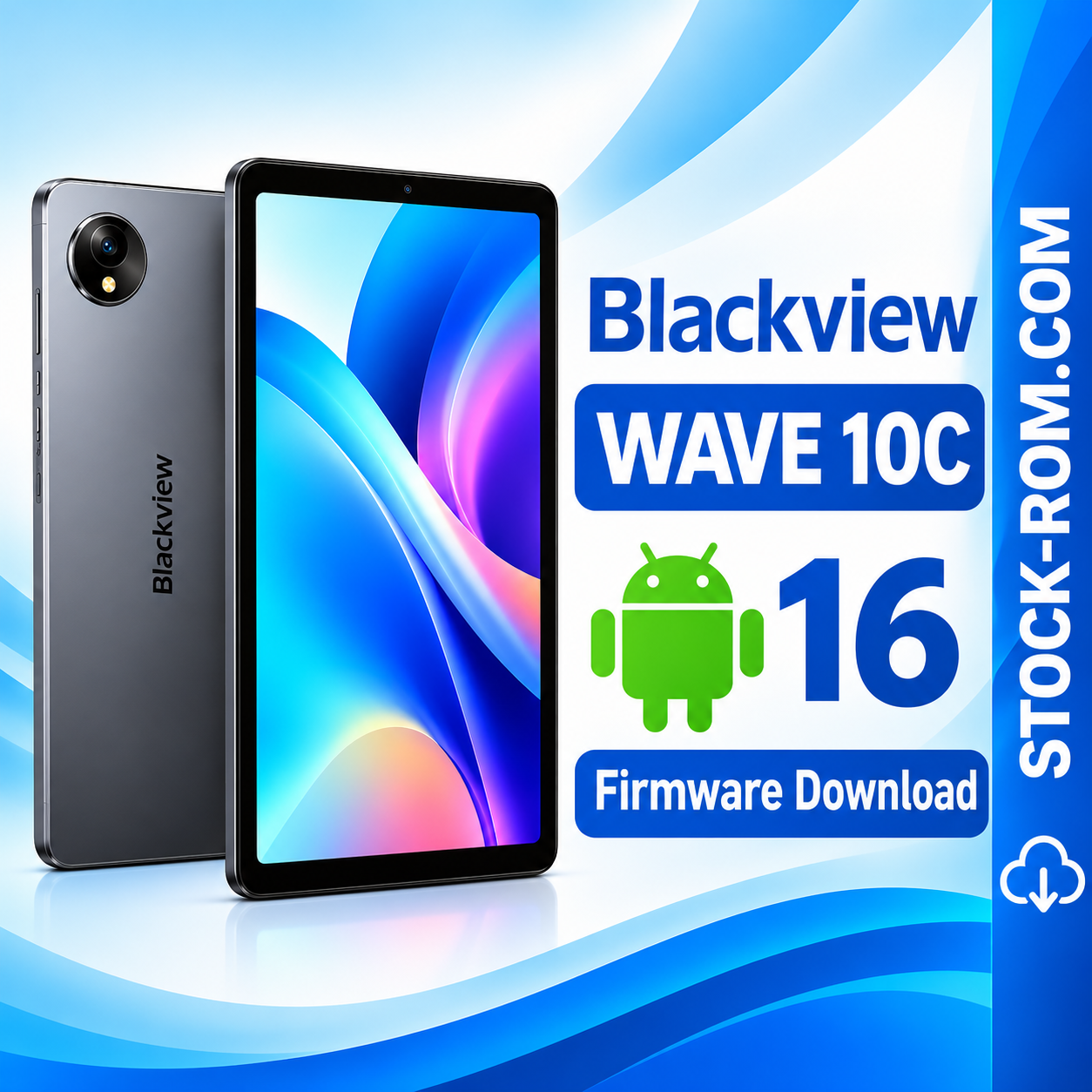
Blackview WAVE 10C Firmware Download – Android 16 Stock ROM
Download the Blackview WAVE 10C Stock Firmware (Flash File) based on Android 16. This firmware is designed for the Blackview WAVE 10C, identified as WAVE_10C_NEU, and powered by the Unisoc UMS312 chipset.
This firmware comes with software build WAVE10C_NEU_j567f_V1.0_A16_01_20260820V17 and the August 05, 2026 Android security patch. It is a stock firmware build suitable for compatible software restoration, system recovery, and mobile servicing operations.
If your Blackview WAVE 10C is experiencing software-related problems such as bootloop, system crashes, software corruption, or failure to boot, installing the correct stock firmware may help restore the device to its original software state.
About Blackview WAVE 10C Stock ROM
The Blackview WAVE 10C firmware is based on Android 16 and uses the Unisoc UMS312 hardware platform. The available build is identified by the product configuration WAVE_10C_NEU and board platform ums312_2h10.
Stock ROM refers to the original device software supplied for a particular device configuration. Installing compatible stock firmware can help recover the operating system when the existing installation becomes damaged or unstable.
This firmware includes the following software configuration:
- Device: Blackview WAVE 10C
- Product Name: WAVE_10C_NEU
- Chipset: Unisoc UMS312
- Board Platform: ums312
- Product Board: ums312_2h10
- Operating System: Android 16
- Architecture: ARM64 (ussi_arm64)
- Software Version: 20260820
- Display ID: WAVE10C_NEU_j567f_V1.0_A16_01_20260820V17
- Build ID: BP2A.250605.031.A3
- Security Patch: August 05, 2026
- Build Date: August 20, 2026
- Firmware Codename: REL
When Do You Need This Firmware?
The Blackview WAVE 10C stock firmware may be useful for the following software-related repair situations:
- Bootloop Problem: When the device repeatedly restarts or gets stuck on the boot logo due to software corruption.
- Dead Boot Recovery: For supported software-related boot failures where the device remains detectable and the hardware is functional.
- System Corruption: When important Android system files are damaged or missing.
- Software Restoration: To reinstall a compatible stock operating system.
- Firmware Upgrade or Reinstallation: For supported servicing procedures using the correct firmware build.
- Software Malfunction: To troubleshoot certain software-related crashes, freezing, and boot problems.
Note: Firmware flashing cannot repair physical hardware faults, damaged storage, or defective power-related components.
Blackview WAVE 10C Flashing Requirements
Before starting the firmware installation process, prepare the necessary tools and verify firmware compatibility.
- A Windows computer or laptop.
- Compatible USB data cable.
- Correct Blackview WAVE 10C firmware package.
- Compatible Unisoc USB drivers.
- A suitable Unisoc flashing tool that supports the device and firmware package format.
- Sufficient battery power, where the device can still be powered on.
The exact flashing method depends on the firmware package structure and the device’s supported download or recovery mode. Not every Unisoc flashing tool supports every UMS312 device.
How to Flash Blackview WAVE 10C
Follow these general precautions before flashing your device:
- Download and extract the correct Blackview WAVE 10C firmware package.
- Check the firmware build, product name, and board platform.
- Install the appropriate Unisoc USB drivers on your Windows computer.
- Open a compatible Unisoc flashing tool.
- Load the firmware files according to the tool’s supported package format.
- Connect the device using the appropriate download mode procedure.
- Verify that the flashing tool detects the device correctly.
- Start the flashing process and wait until it finishes.
- Disconnect the device only after the tool confirms completion.
- Allow the first boot to complete. The first startup may take longer than usual.
Important: These are general instructions, not a verified device-specific flashing procedure. The required package format, download mode, partition selection, and flashing options must be confirmed before proceeding.
Important Precautions Before Flashing
- Verify that the firmware is intended for Blackview WAVE 10C (WAVE_10C_NEU).
- Check the UMS312 chipset and ums312_2h10 board information.
- Back up important personal data whenever possible.
- Flashing operations may erase user data, depending on the selected partitions and flashing method.
- Avoid using firmware from a different model or hardware revision.
- Do not interrupt the flashing process while it is running.
- Be careful when handling partition files, especially bootloader and security-related partitions.
Frequently Asked Questions (FAQ)
1. Which Android version does this Blackview WAVE 10C firmware support?
This firmware is based on Android 16.
2. Which chipset is used in Blackview WAVE 10C?
The firmware identifies the device platform as Unisoc UMS312 with board platform ums312_2h10.
3. What is the firmware software version?
The software version is 20260820, with the full build name WAVE10C_NEU_j567f_V1.0_A16_01_20260820V17.
4. Which security patch is included?
The firmware reports the Android security patch level as August 05, 2026.
5. Can this firmware fix a bootloop problem?
It may resolve bootloop issues caused by corrupted or damaged system software, provided the device hardware is functional and the firmware is compatible.
6. Will flashing this firmware erase user data?
Data loss depends on the flashing method and selected partitions. Always back up important data before attempting firmware installation.
7. Can I flash firmware from another Blackview device?
No. Always use firmware that matches the exact device model, product configuration, and hardware platform.
Firmware Download – Blackview WAVE 10C
Blackview WAVE 10C Firmware