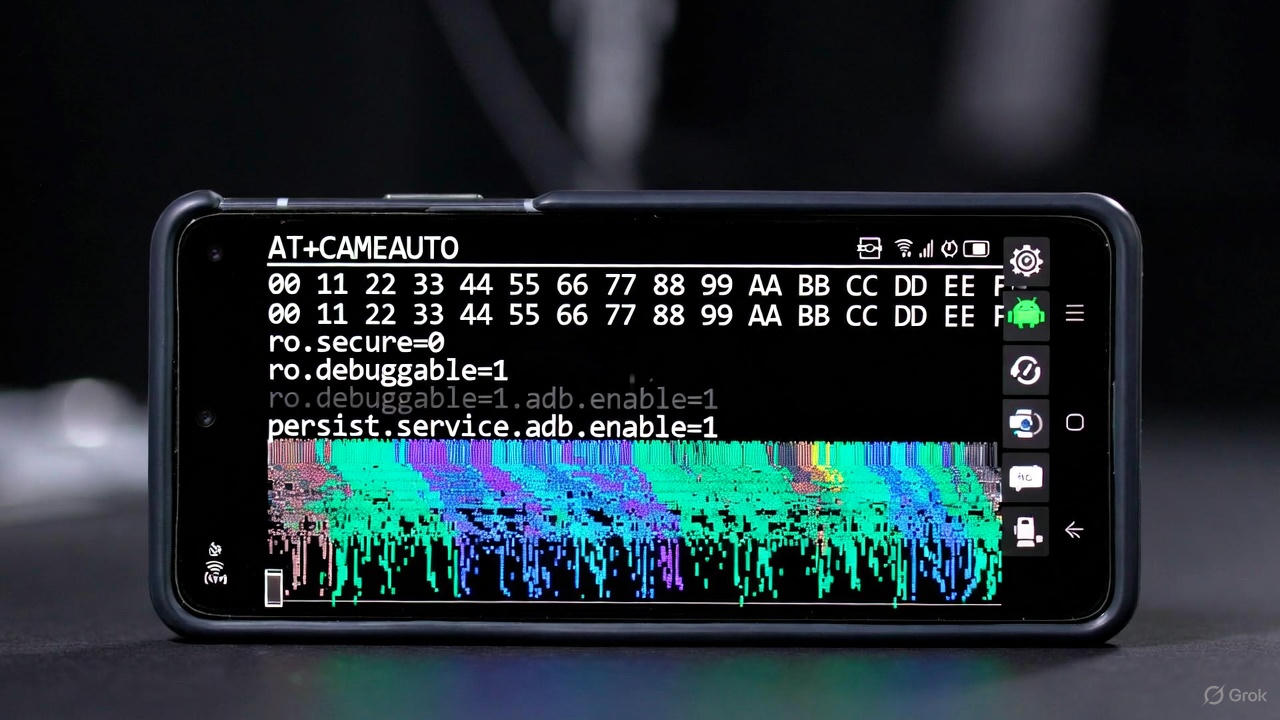
In the world of mobile security, vulnerabilities in major smartphone brands like Samsung continue to emerge, especially with each new Android version. Android 16, released in late 2025, brought enhanced privacy features and AI integrations, but it also introduced (or carried over) certain bugs that can be exploited on Samsung devices. One such exploit involves a series of AT commands combined with shell instructions, often circulated in underground forums or security research circles. This post dives into a specific command string that’s been discussed in relation to bypassing ADB (Android Debug Bridge) security on Samsung Galaxy devices running Android 16. I’ll break down what the command is, what it does, why parts of it are hex-encoded instead of plain text, and why connecting to WiFi appears to be a mandatory prerequisite in the exploit chain. Note that this is for educational purposes only—exploiting devices without authorization is illegal and unethical.
What Is This Command?
The command is:
AT+CAMEAUTO=0,1,0,2,/;rm -rf /data/log/adb.apk && rm -rf /data/log/adb.txt;
AT+CAMEAUTO=0,1,0,2,/;$(echo -n 73657470726F7020706572736973742E7379732E6175746F5F636F6E6669726D2031|xxd -r -p|sh && echo -n 73657470726F7020706572736973742E7379732E7573622E636F6E666967206D74702C616462|xxd -r -p|sh);
At a high level, this is not a standard shell script you’d run directly in a terminal. Instead, it’s designed to be sent to a Samsung device’s modem interface via AT commands (a protocol originally from Hayes modems, now used in mobile devices for diagnostic and configuration tasks). Samsung devices, particularly those with Exynos or Qualcomm chipsets in Android 16, expose certain AT commands through USB or diagnostic modes, which can be abused due to insufficient input validation—a bug that allows command injection.
- AT+CAMEAUTO=0,1,0,2,/: This is the core AT command. “CAMEAUTO” likely refers to a Samsung-specific function related to camera automation or media handling (e.g., auto-capture settings in diagnostic mode). The parameters (0,1,0,2,/) configure it in a way that opens a path for injecting arbitrary shell commands. The trailing
/;acts as a delimiter that tricks the parser into executing what follows as system-level shell code. This injection point is the “bug” part—Android 16’s modem firmware on Samsung devices doesn’t properly sanitize inputs here, allowing escalation from modem access to system shell privileges.
The command is split into two parts:
- The first injects
rm -rf /data/log/adb.apk && rm -rf /data/log/adb.txtto delete ADB-related files. - The second injects hex-encoded instructions to modify system properties.
This exploit chain leverages the fact that the modem runs with elevated privileges (often as “system” or near-root), giving it access to execute commands that a normal app couldn’t.
Why Is It Encoded in Hex Instead of Plain Text?
The second part of the command uses hex encoding for the actual shell instructions:
73657470726F7020706572736973742E7379732E6175746F5F636F6E6669726D2031decodes tosetprop persist.sys.auto_confirm 173657470726F7020706572736973742E7379732E7573622E636F6E666967206D74702C616462decodes tosetprop persist.sys.usb.config mtp,adb
These are wrapped in echo -n ... | xxd -r -p | sh, which decodes the hex string back to plain text and executes it via the shell.
Hex encoding isn’t accidental—it’s a deliberate obfuscation technique for several reasons:
- Bypassing Filters and Parsers: The AT command handler in Samsung’s modem firmware (updated in Android 16 but still vulnerable) may have basic filters to block suspicious keywords like “setprop” or “usb.config,” which are associated with sensitive system changes. Plain text could trigger rejection or logging. By converting to hex (a binary-safe format), the command sneaks past these checks. The
xxd -r -p(part of the BusyBox or coreutils on Android) reverses it on the device side, reconstructing the original command only after injection. - Avoiding Character Restrictions: AT commands have strict syntax rules, and certain characters (e.g., spaces, pipes, or semicolons) might be escaped or blocked in plain input. Hex ensures the entire payload is treated as raw data until decoded.
- Evasion from Detection Tools: Security software like Samsung Knox or Android’s built-in defenses in version 16 might scan for plain-text patterns indicative of exploits. Hex makes it look like innocuous data, reducing the chance of being flagged during transmission or execution.
- Portability and Reliability: Hex avoids encoding issues across different tools or connections (e.g., USB serial), ensuring the command survives intact.
In short, hex is used for stealth and reliability, a common tactic in exploits to defeat input validation—a weakness Samsung has patched in prior versions but seemingly reintroduced or overlooked in Android 16’s firmware updates.
What Does the Command Actually Do?
This exploit aims to silently enable and automate ADB access on a Samsung device, bypassing user consent and security prompts. Here’s a step-by-step breakdown of its effects:
- Deletion of ADB Files (
rm -rf /data/log/adb.apk && rm -rf /data/log/adb.txt):
- These files are logs or temporary artifacts related to ADB sessions. Deleting them resets the ADB state, clearing any previous authorization keys or error logs. This prevents conflicts and forces a “fresh” ADB setup, making it easier for the attacker to connect without traces of prior attempts.
- Run as system-level shell, this has write access to protected directories like /data/log, which normal users can’t touch.
- Setting System Properties (via the decoded hex):
setprop persist.sys.auto_confirm 1: This enables automatic confirmation for ADB authorization. Normally, when connecting via ADB, the device prompts the user to “Allow USB debugging?” with an RSA key fingerprint. Setting this to 1 skips the prompt, auto-approving any connection.setprop persist.sys.usb.config mtp,adb: This configures the USB mode to include MTP (Media Transfer Protocol) and ADB. It forces the device to expose ADB over USB, even if developer options aren’t manually enabled in settings.
Combined, the command turns the device into an open ADB target: an attacker can connect via USB, gain shell access, install apps, extract data, or inject malware without the user ever seeing a prompt. Since it’s persistent (using “persist.sys” properties), it survives reboots. In Android 16, this bug ties into broader issues with modem-to-system privilege boundaries, allowing such injections without tripping Knox or other defenses.
This isn’t full root (UID 0), but system shell (UID 1000) is powerful enough for most malicious activities, like data theft or spyware installation.
Why Is Connecting to WiFi Mandatory Before This Command?
The command itself doesn’t directly reference WiFi, but in the full exploit chain (as described in security reports and researcher discussions for similar Samsung bugs in Android 16), connecting to WiFi is a critical prerequisite for several practical and technical reasons:
- Device Setup State: This exploit is often targeted at devices during or right after the initial out-of-box experience (OOBE) or factory reset. Samsung’s setup wizard in Android 16 requires a network connection (preferably WiFi) to proceed past early screens, verify Google accounts, or download updates. Without WiFi, the device stays in a limited “setup mode” where USB diagnostic ports (needed to send AT commands) might not be fully accessible, or the modem interface could be locked down. Connecting to WiFi advances the wizard to a point where the modem is active and vulnerable to injection.
- Network-Dependent Tools and Delivery: To send the AT command, attackers typically use USB tools like diagnostic software or custom scripts (e.g., via a PC connected to the phone). However, some variants require the device to fetch data over the internet—e.g., to bypass FRP (Factory Reset Protection) or pull in additional payloads. WiFi ensures stable connectivity for this. In Android 16, Samsung added AI-driven setup features that rely on online checks, making offline exploits harder.
- ADB Over WiFi as a Fallback or Extension: While the command enables USB ADB, many exploit guides recommend WiFi for “wireless ADB” (adb connect ). This allows remote access without physical USB after initial setup. The property set is for USB, but enabling WiFi first gets the device’s IP, making the transition seamless. Without WiFi, you’d be limited to wired access, which is riskier for real-world attacks.
- Firmware and Patch Checks: Android 16 on Samsung devices performs online security checks during setup. Connecting to WiFi might trigger a partial update that closes other vulnerabilities, but in this exploit, it’s used to confirm the device is in a vulnerable firmware state before injection. Reports from 2025 security bulletins (e.g., from Google and Samsung) note that offline devices are harder to exploit, as WiFi enables “in-the-wild” delivery via malicious apps or links.
If WiFi isn’t connected, the exploit often fails because the modem or system properties can’t be reliably modified—the device remains in a sandboxed state. This is why guides emphasize “connect to WiFi first” as step zero.